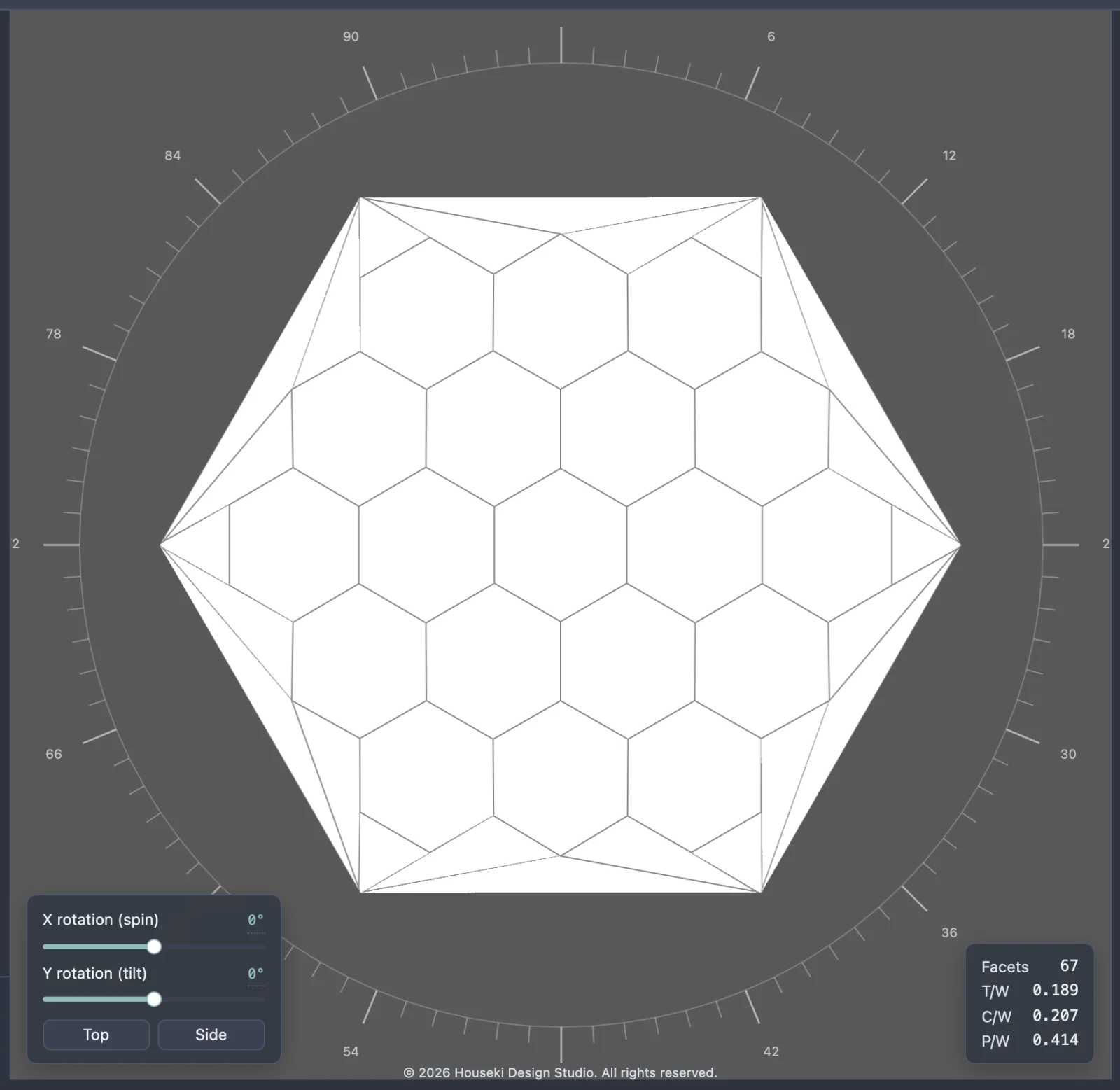
Deterministic renderer
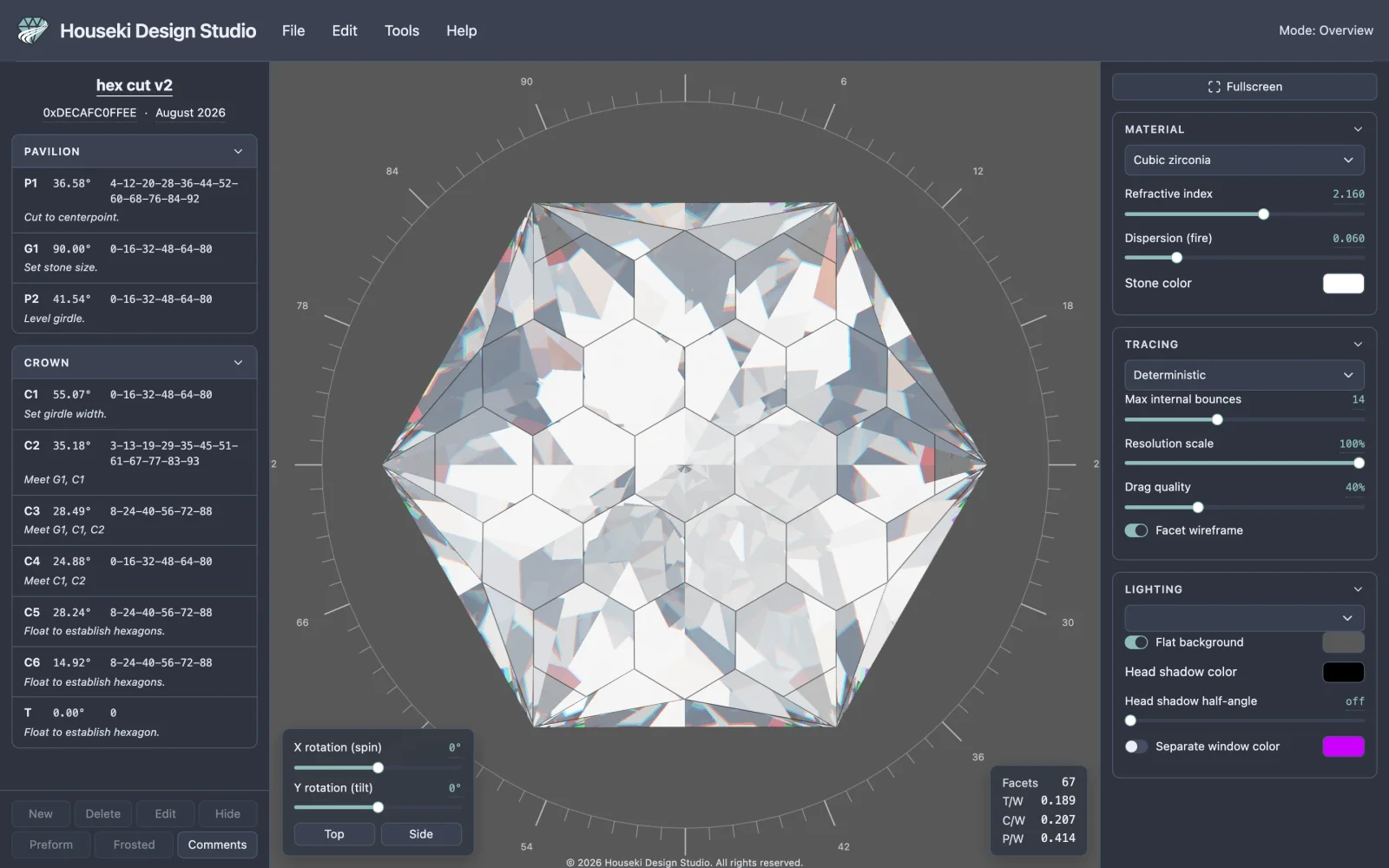
The Deterministic renderer is the studio's fast, instant-image renderer. It draws the stone completely in a single pass, with no waiting and no visual noise, which makes it the renderer to leave on while you turn the stone, try a material, or compare two settings side by side. Its picture never changes on its own: it looks the same the instant after you release the mouse as it does a minute later.
Switching renderers
The renderer is chosen from the dropdown at the top of the Tracing section of the settings, on the right of the window. It lists three choices: Deterministic (the default), Monte Carlo and Flat. Hovering over the dropdown shows a tooltip describing whichever renderer is currently selected.
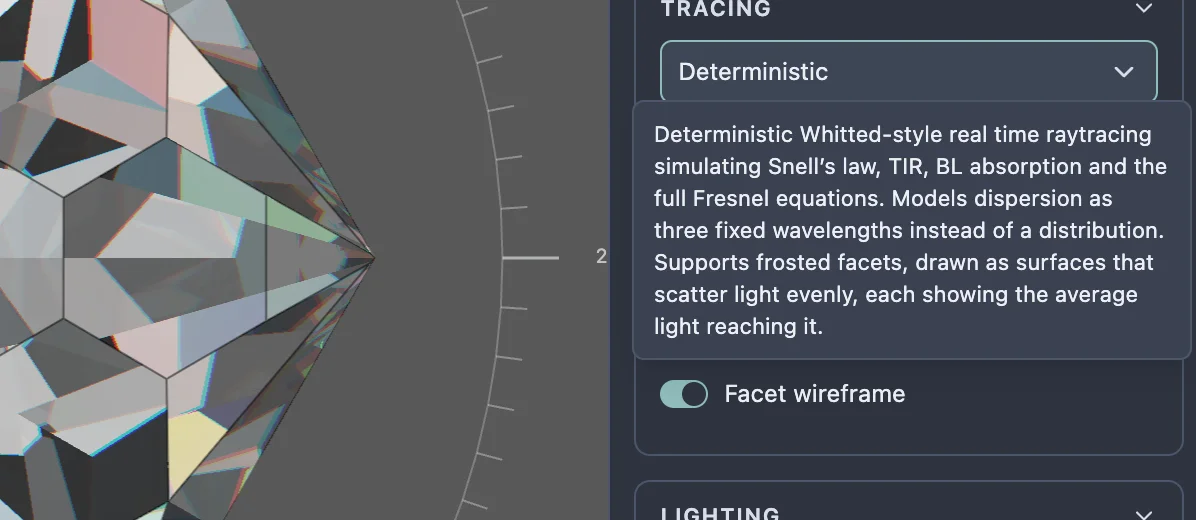
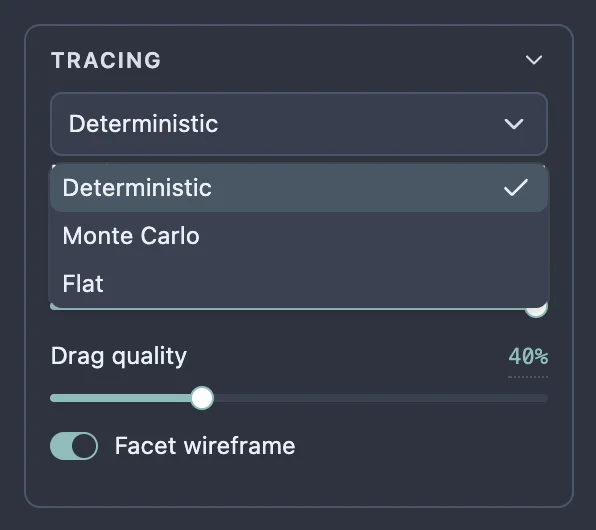
Choosing Deterministic redraws the stone at once. Nothing else on the page needs to change: every other setting – material, lighting, bounces – carries straight over to whichever renderer is selected.
What the picture is showing
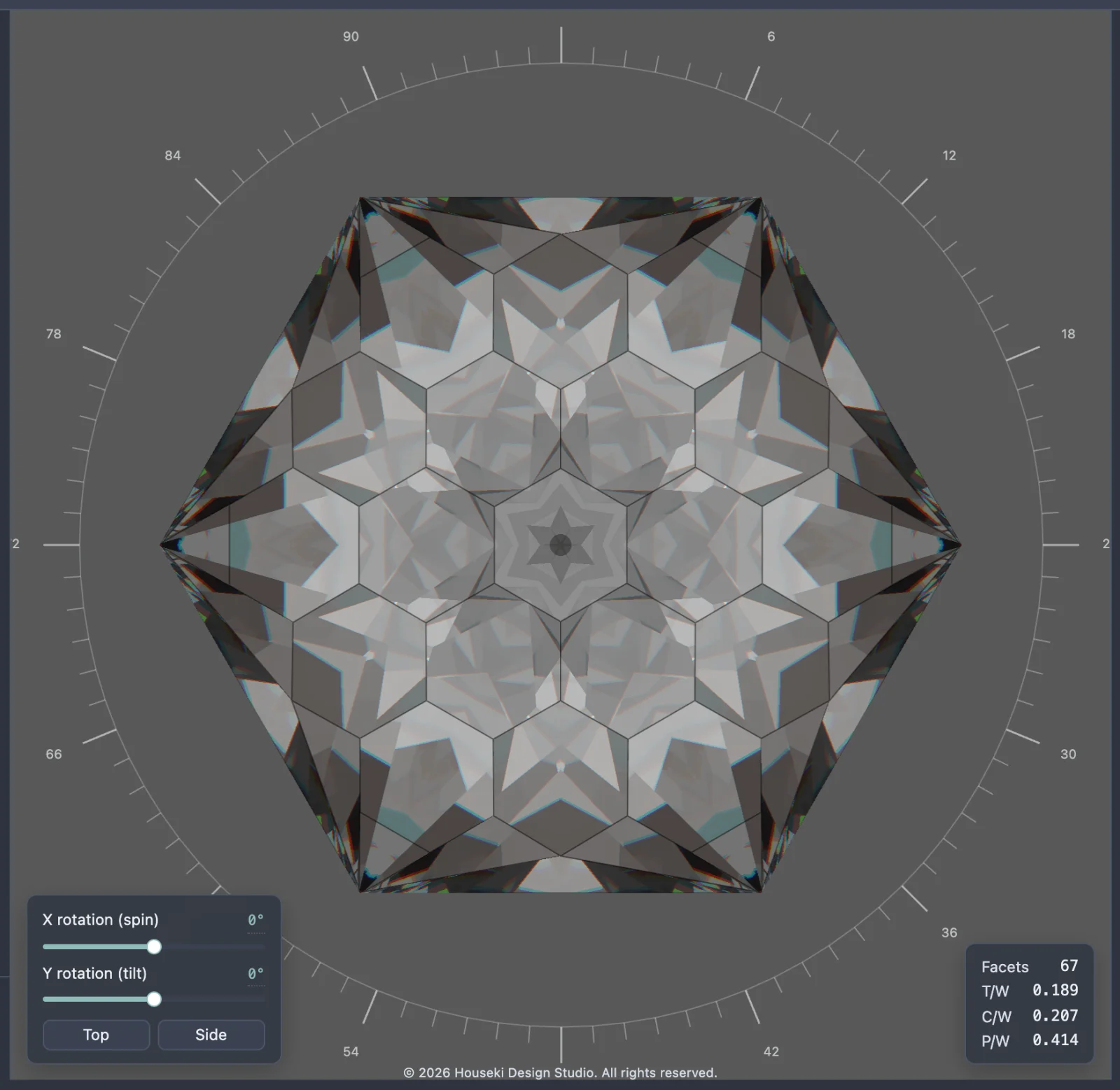
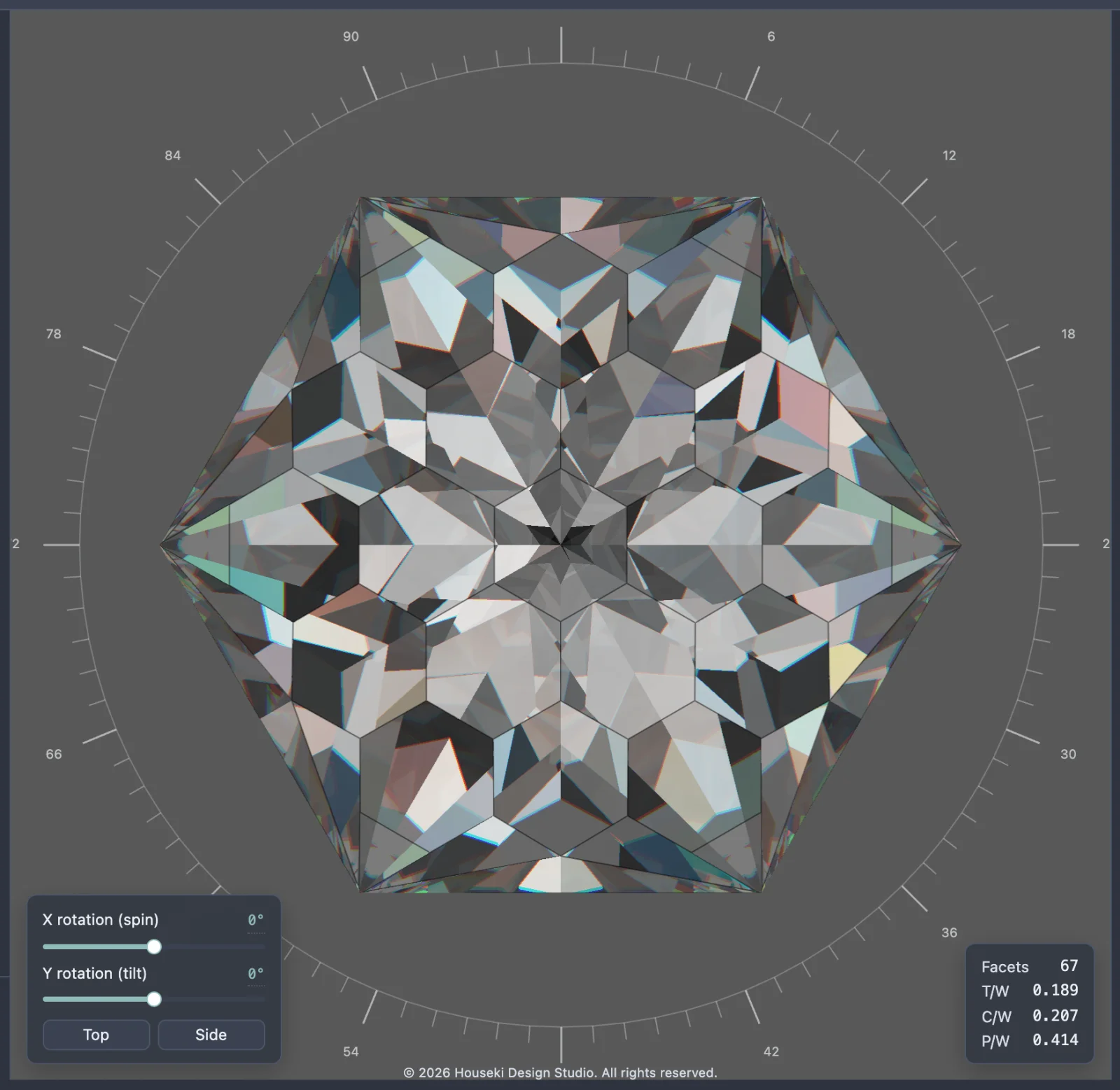
The Deterministic renderer follows light through the stone the way a diamond actually bends and reflects it, using a handful of physical rules:
- Snell's law is what bends a ray as it crosses from air into the stone, or back out again – it is why a faceted stone's reflections look broken into distinct flashes instead of one smooth mirror.
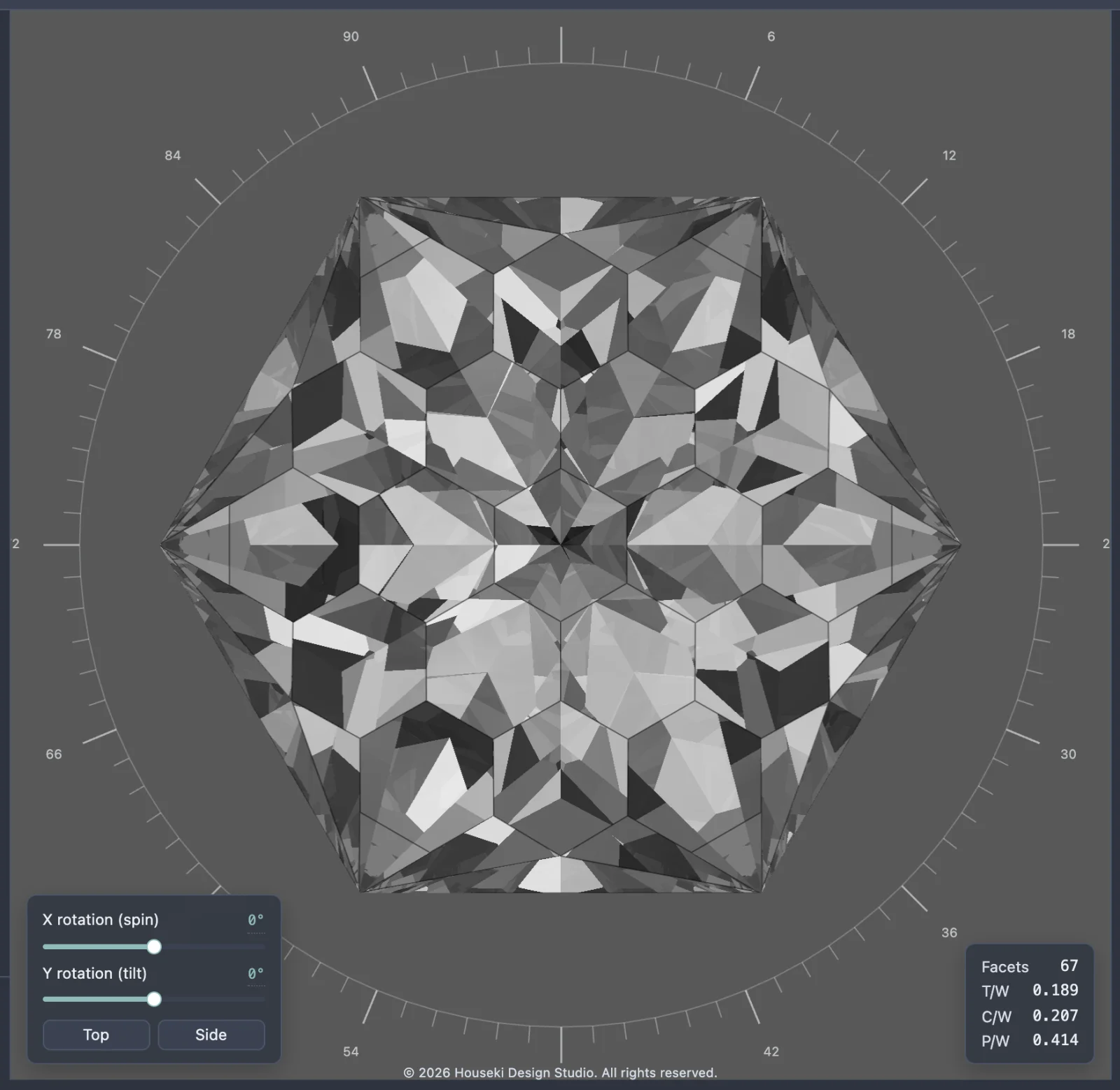
- Total internal reflection is what happens when light inside the stone hits a facet too steeply to escape: instead of dimming through it, the light bounces back inside, which is what gives a well-cut stone its brilliance – the bright, mirror-like flashes across its face.
- The full Fresnel equations decide, at every surface, how much light reflects and how much passes through, depending on the angle it arrives at. It is why a facet can look almost like a window straight on and almost like a mirror at a glancing angle.
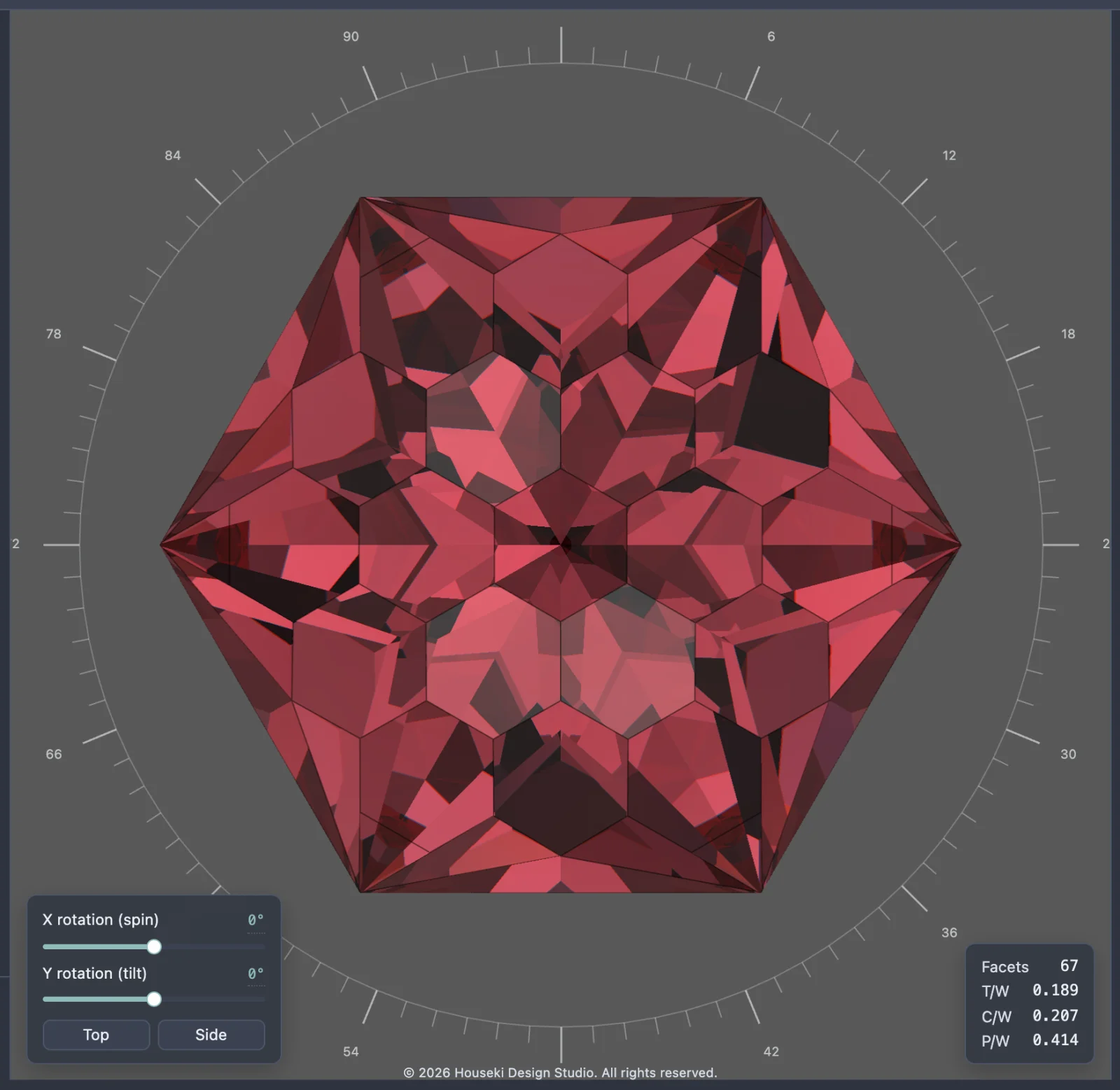
- Beer-Lambert absorption is the stone taking on colour as light travels through it: the further light has to travel inside the stone, the more of that colour it picks up, which is what gives a coloured stone its body colour and its darker, richer tones in its deepest parts.
The Deterministic renderer's own tooltip names these by name: Snell's law, total internal reflection ("TIR"), Beer-Lambert ("BL") absorption and the full Fresnel equations. It also says how it draws frosted facets (see Frosted facets below).
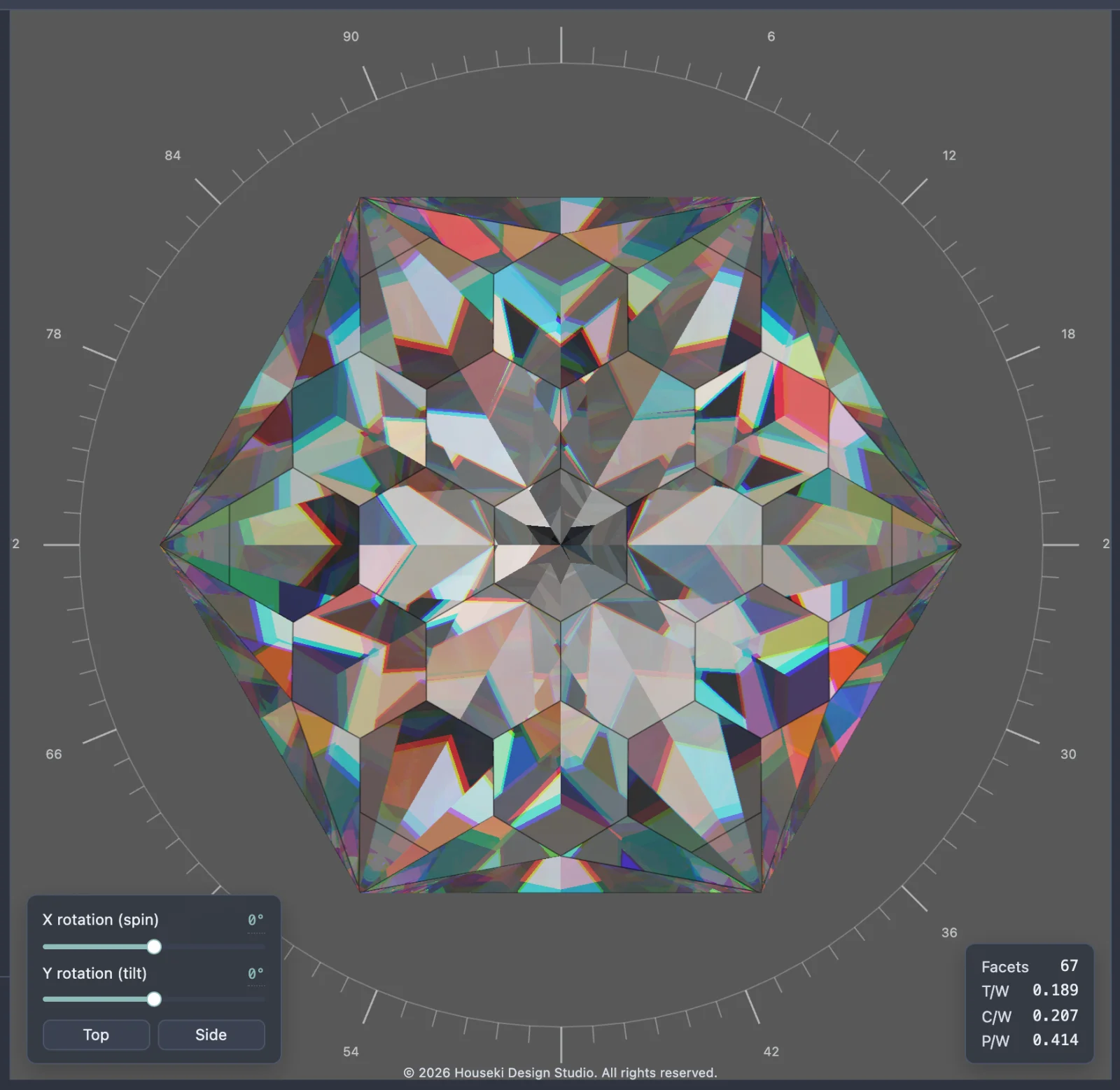
Its main simplification is fire – the rainbow-coloured flashes a stone throws when it bends different colours of light by slightly different amounts (called dispersion). The Deterministic renderer traces only three fixed colours (a red, a green and a blue) rather than the whole visible spectrum, so its fire shows up as a handful of coloured edges rather than a smooth rainbow. It is still fast for exactly this reason: the Monte Carlo renderer traces a whole spectrum of colours instead, at the cost of speed.
Controls
Every control below works with the Deterministic renderer. The ones that are specific to the Monte Carlo renderer (Samples to accumulate, Samples per frame) are hidden while Deterministic is selected, because this renderer does not use them – see the Monte Carlo renderer page for those.
Material
- The material dropdown holds a set of gem presets (diamond, ruby, emerald, and others), each setting a refractive index, a dispersion and a stone colour together.
- Refractive index is how strongly the stone bends light. A higher index traps more light inside through total internal reflection, which is what makes a stone look brighter and more brilliant.
- Dispersion (fire) sets how far the stone spreads light into fire. 0 means no fire at all (and renders about three times faster); higher values spread the colours further apart.
- Stone color is the stone's body colour: how much of each colour of light survives passing through it. White is colourless. Opening it shows an Opacity slider, which is how strongly the stone takes on that colour – lower is paler, and 0 is colourless whatever colour is picked. It never makes the stone cloudy or see-through to what is behind it.
Tracing
- Max internal bounces is how many times light may reflect inside the stone before the renderer gives up on it. A higher number is more accurate for deep stones, but slower. Light still bouncing around when the renderer runs out is shown as a darker tint of the stone's own colour rather than left blank. It goes up to 64. The minimum is 3 – any lower and there is barely any glass left to see, and the tooltip suggests using the Flat renderer instead if that little detail is wanted.
- Resolution scale renders at a fraction of the screen's resolution while the view is still. Lower is faster but blurrier. It defaults to 100%.
- Drag quality is how sharp the picture stays while the stone is being turned or zoomed, as a share of the resolution scale – see "Turning the stone" below.
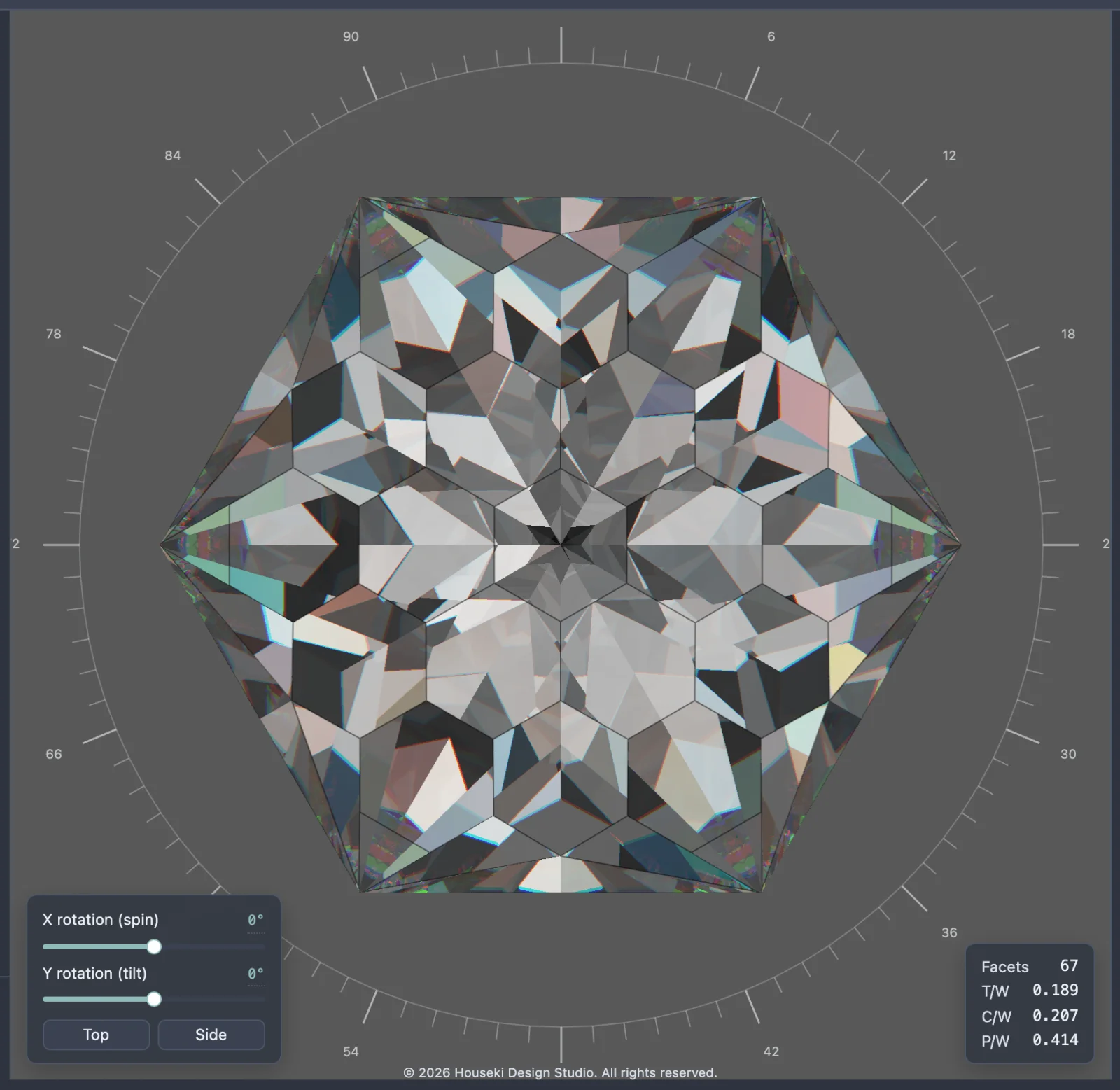
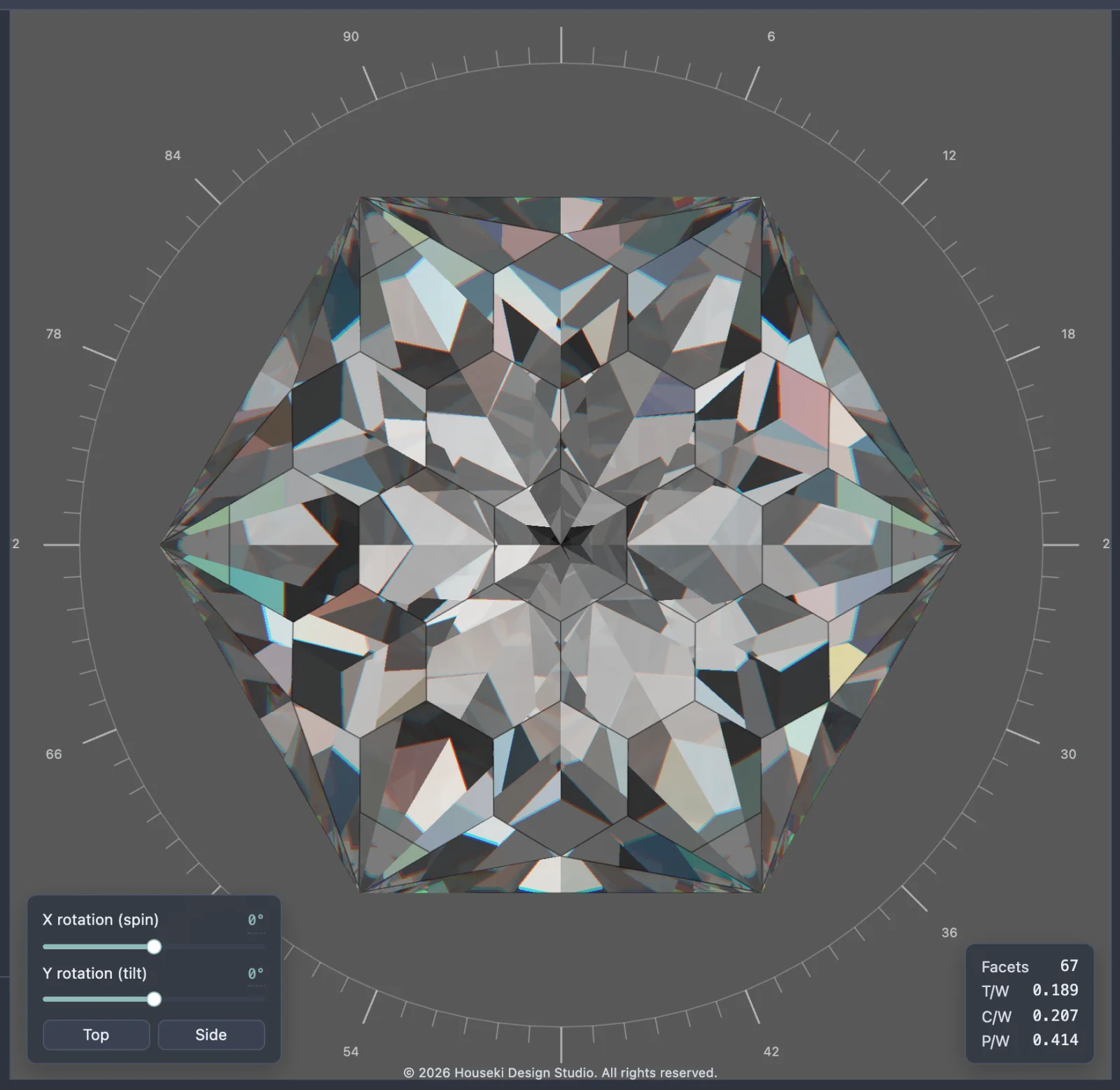
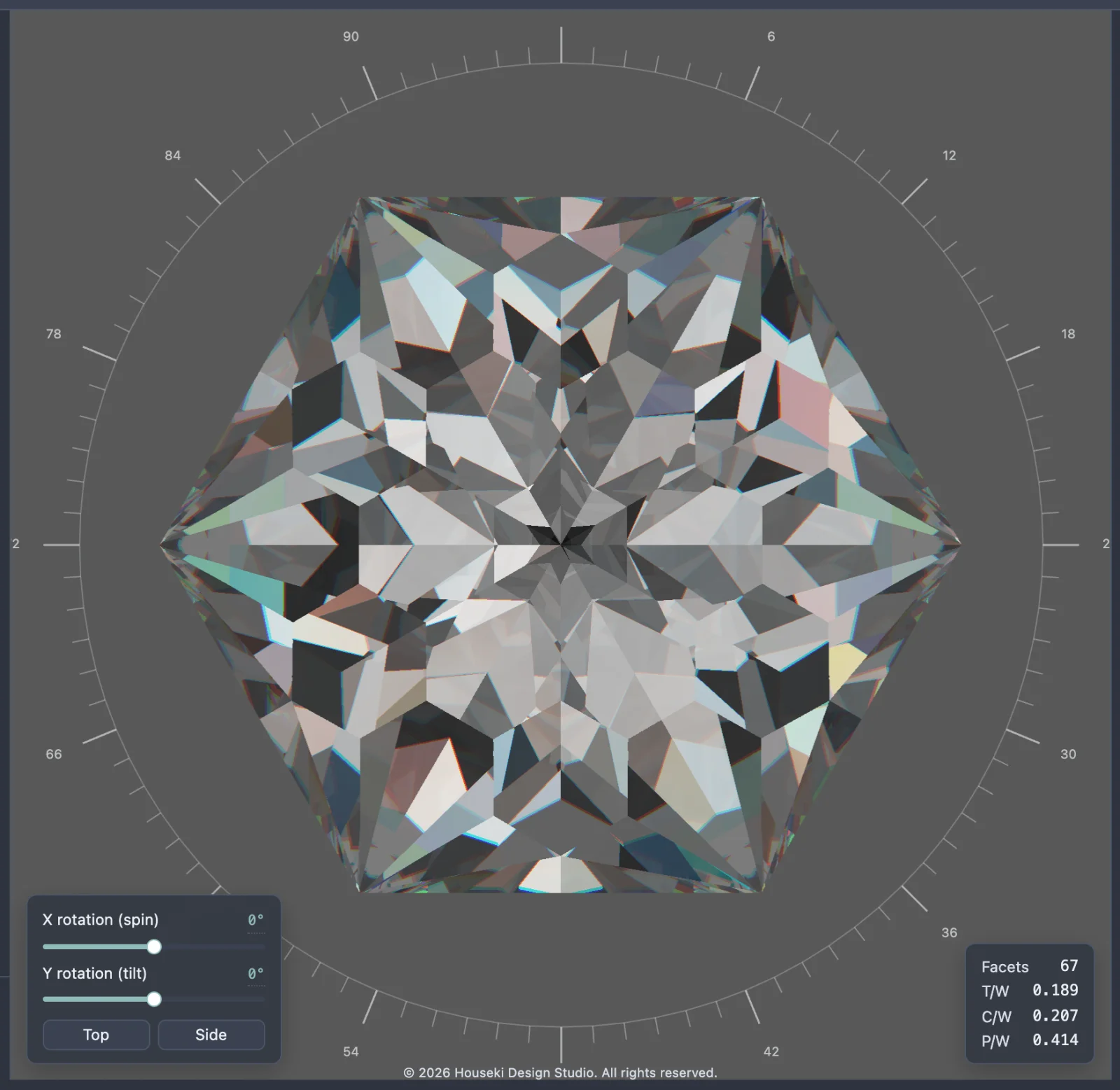
- Facet wireframe outlines every facet you can see (edges hidden behind the stone are not drawn). It is on by default.
Lighting
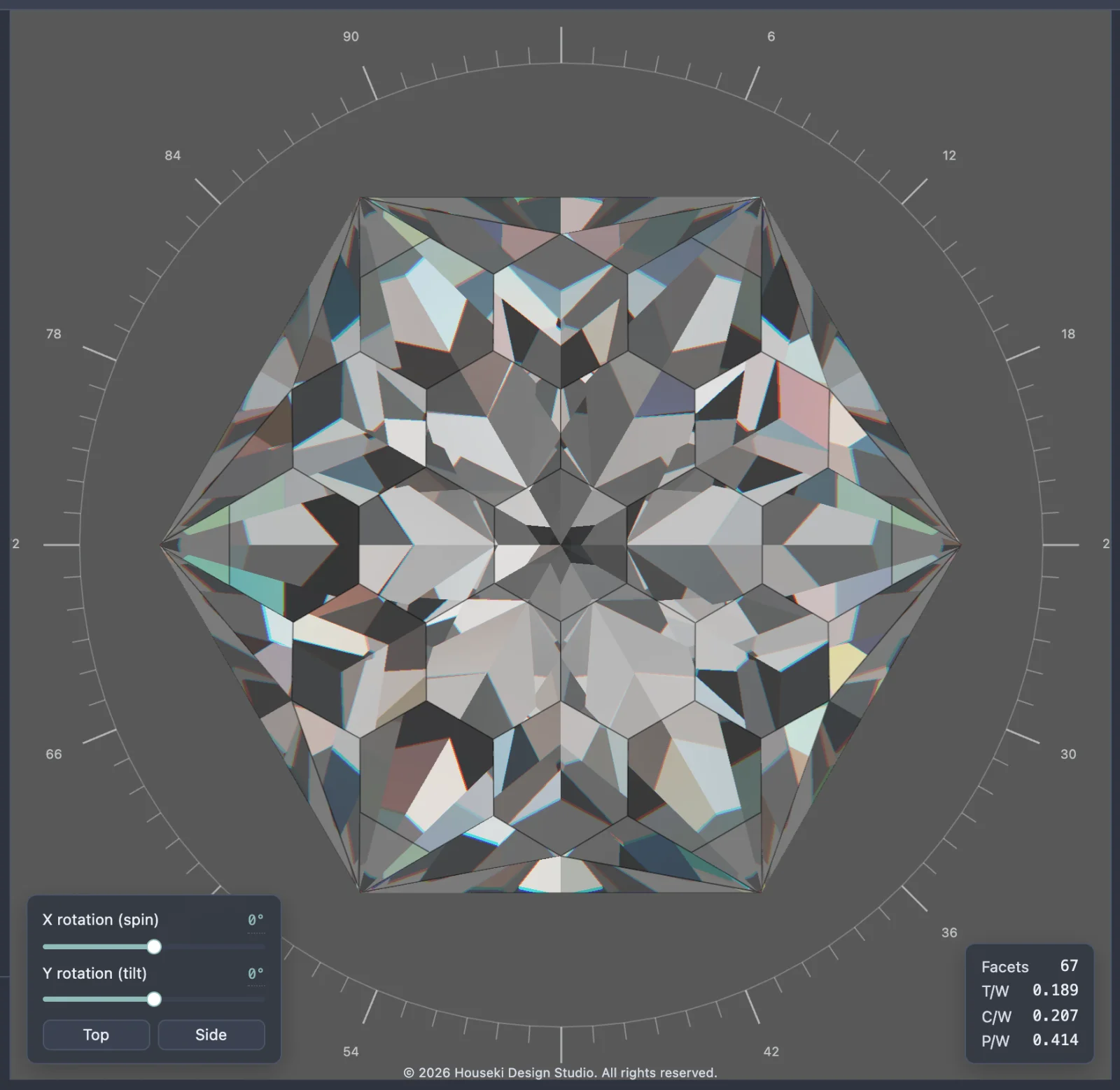
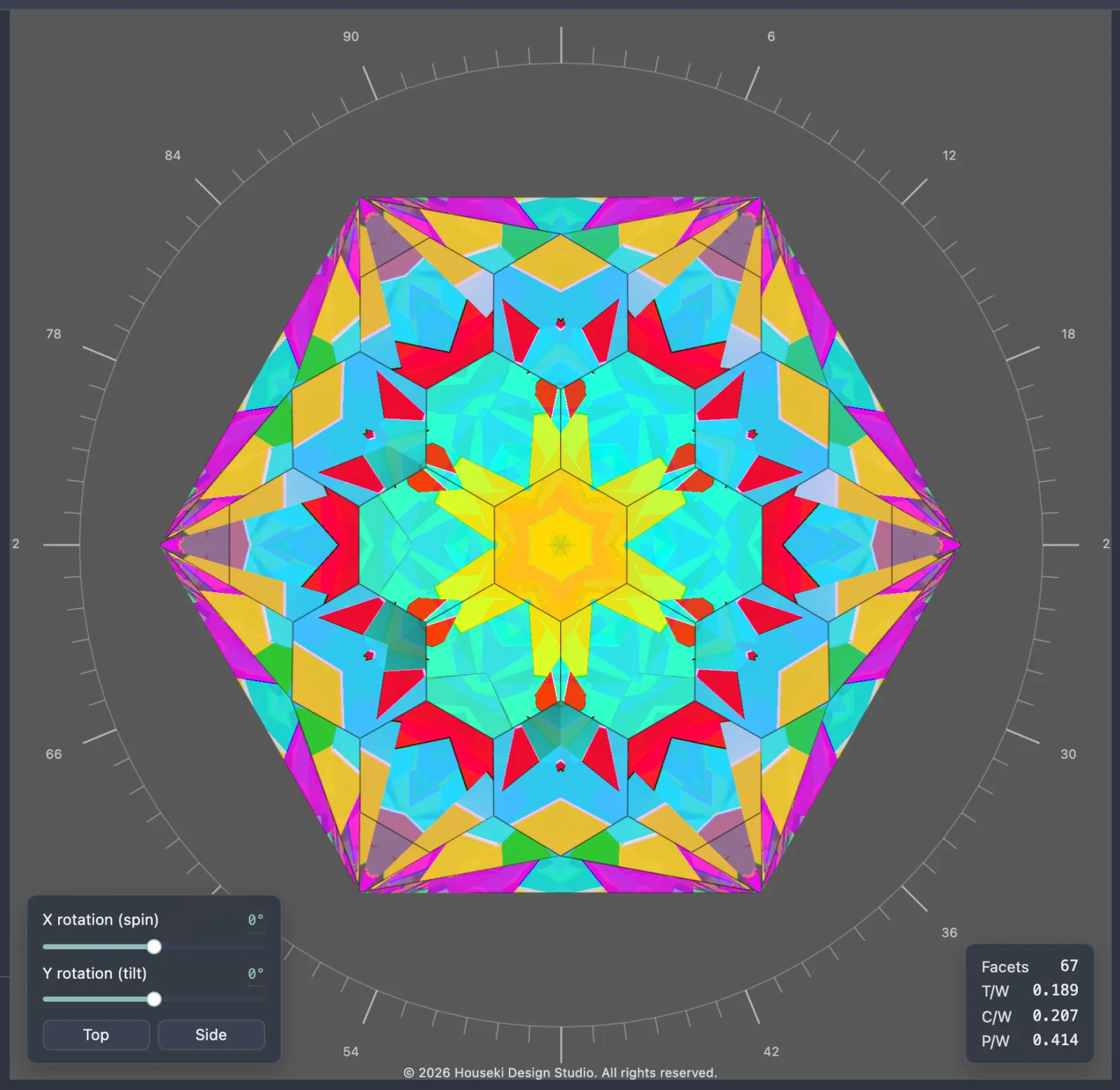
- The lighting model dropdown chooses what lights the stone: Angle rings colours the light by how steeply it arrives (red from overhead, then cyan, yellow and magenta towards the horizon), which is useful for seeing which angles a cut actually uses; Isometric is even white light from everywhere above; Cosine is brightest overhead, fading towards the horizon; and Skybox image lights the stone with a photographed room, which is the studio's default and the most realistic-looking of the four.
- Choosing one of the first three shows a Neutralise material button: those three are measurement tools, and only make sense on a colourless, non-dispersive stone, since the stone's own colour otherwise multiplies the reading. The button zeroes the stone's colour and dispersion.
- Flat background shows a plain colour behind the stone instead of the lighting, and also colours light seen through the back of the stone, unless Separate window color is turned on.
- Head shadow color is the colour of light blocked by your own head, including the small dot at the centre of the table when the stone faces you straight on. Black is realistic; a bright colour shows which facets depend on light from directly behind the viewer.
- Head shadow half-angle sets how wide that shadow is. 0 turns it off.
- Separate window color colours light that leaks straight through the back of the stone (a "window"), so those leaks are easy to spot. Off, that light shows the flat background or the lighting instead.
Turning the stone
Drag the stone with the mouse to turn it: sideways tilts it to the left or right, up and down tilts it towards or away from you, and holding Shift makes sideways spin it about its own axis instead. Scroll the mouse wheel to zoom. Any drag, wheel step, or move of the X rotation (spin) or Y rotation (tilt) sliders drops the picture to Drag quality while it moves (lowering the resolution only – the internal bounces stay as you set them, so the stone looks the same, just blurrier), then returns to full quality shortly after the movement stops. Because the Deterministic renderer finishes in one pass, this is only about keeping the stone responsive while it moves; the picture itself never needs to settle the way the Monte Carlo renderer's does.
A slider's own readout can be clicked to type an exact number: type the value and press Enter to apply it, or Escape to cancel.
Frosted facets
A tier marked frosted is drawn frosted here too. To frost one, select its row in the cutting instructions and click Frosted in the row of buttons under them (see the tier toolbar); click it again to unmark the tier.
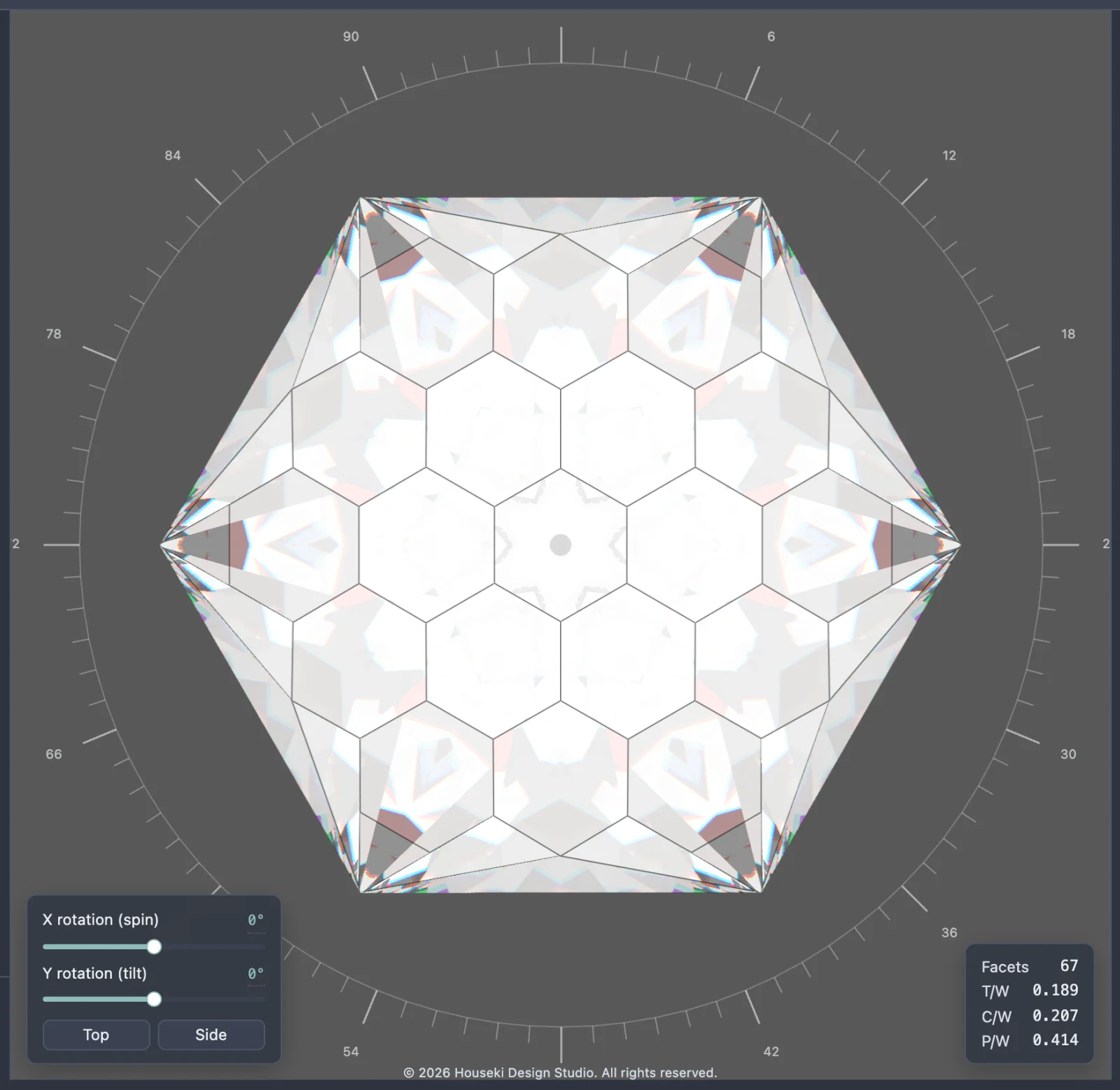
The Deterministic renderer draws each frosted facet as a surface that scatters light evenly: the facet shows the average of the light reaching it, as one smooth shade with no grain, and the picture is finished at once, as it always is here. Light that meets a frosted facet from inside the stone is scattered the same way instead of bouncing on, so a frosted pavilion turns the whole stone milky and hides its pattern of reflections, and a frosted table becomes an even, cloudy window.
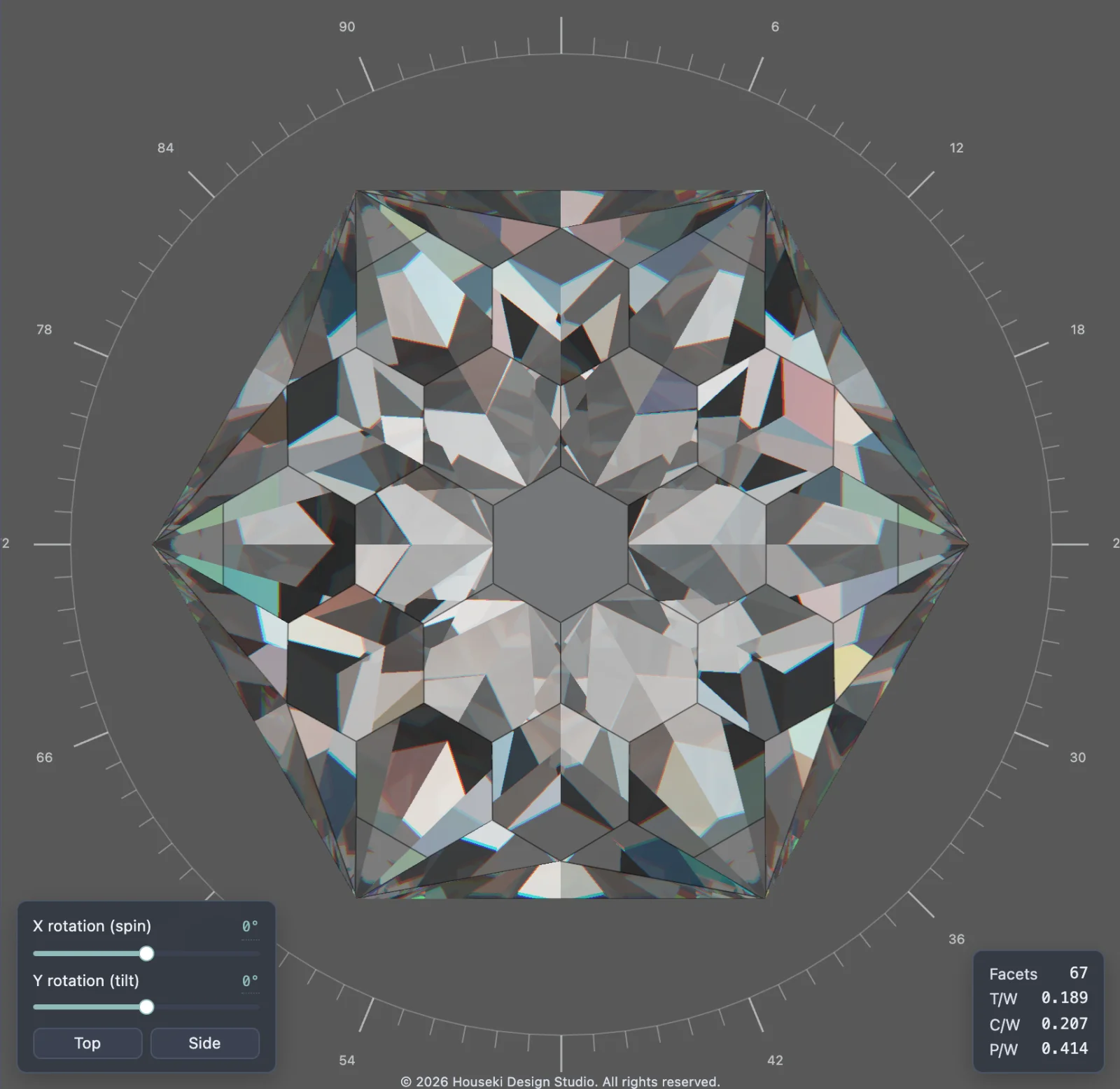
This is a simpler picture of frosting than the Monte Carlo renderer's, which draws a frosted facet as truly rough glass: there the shading can change gently across one facet, and the image takes time to settle. Use the Monte Carlo renderer when you want the most faithful look of a frosted design, and the Deterministic renderer to turn it and compare it quickly.
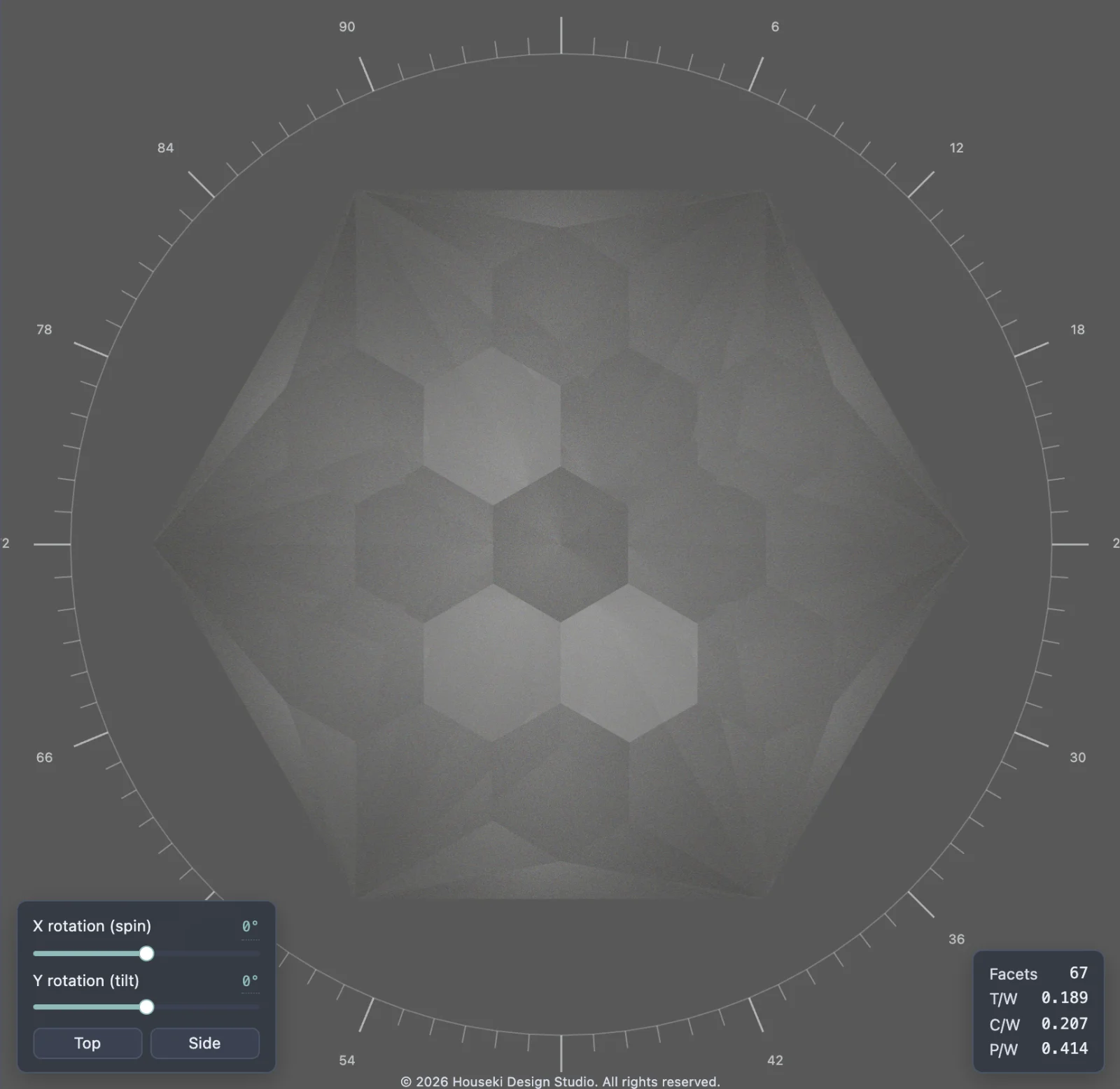
A stone with frosted facets is quicker to draw than a polished one here, not slower: light stops at a frosted facet rather than bouncing on through the stone, so turning a frosted stone stays smooth.
On a browser that cannot do the extra step this needs, every frosted facet shows the same shade instead: the average of all the light around the stone.
Stones with grooves, dents and holes
A faceted design is always convex: light that has left it cannot run into it again. A stone
with grooves, dents or a hole through it is different – a .obj file of a piece of
rough you have scanned, for example. Light leaving one wall of a groove crosses it and meets the
opposite wall, and a reflection off the outside of a dent can land on the stone again.
The Deterministic renderer follows that light: where light that has left the stone runs into it again, part of it reflects off the outside and part of it enters the stone and carries on through it, exactly as at the stone's first surface. Such a stone therefore looks the same in the Deterministic renderer as in the Monte Carlo renderer, apart from the fire and the grain.
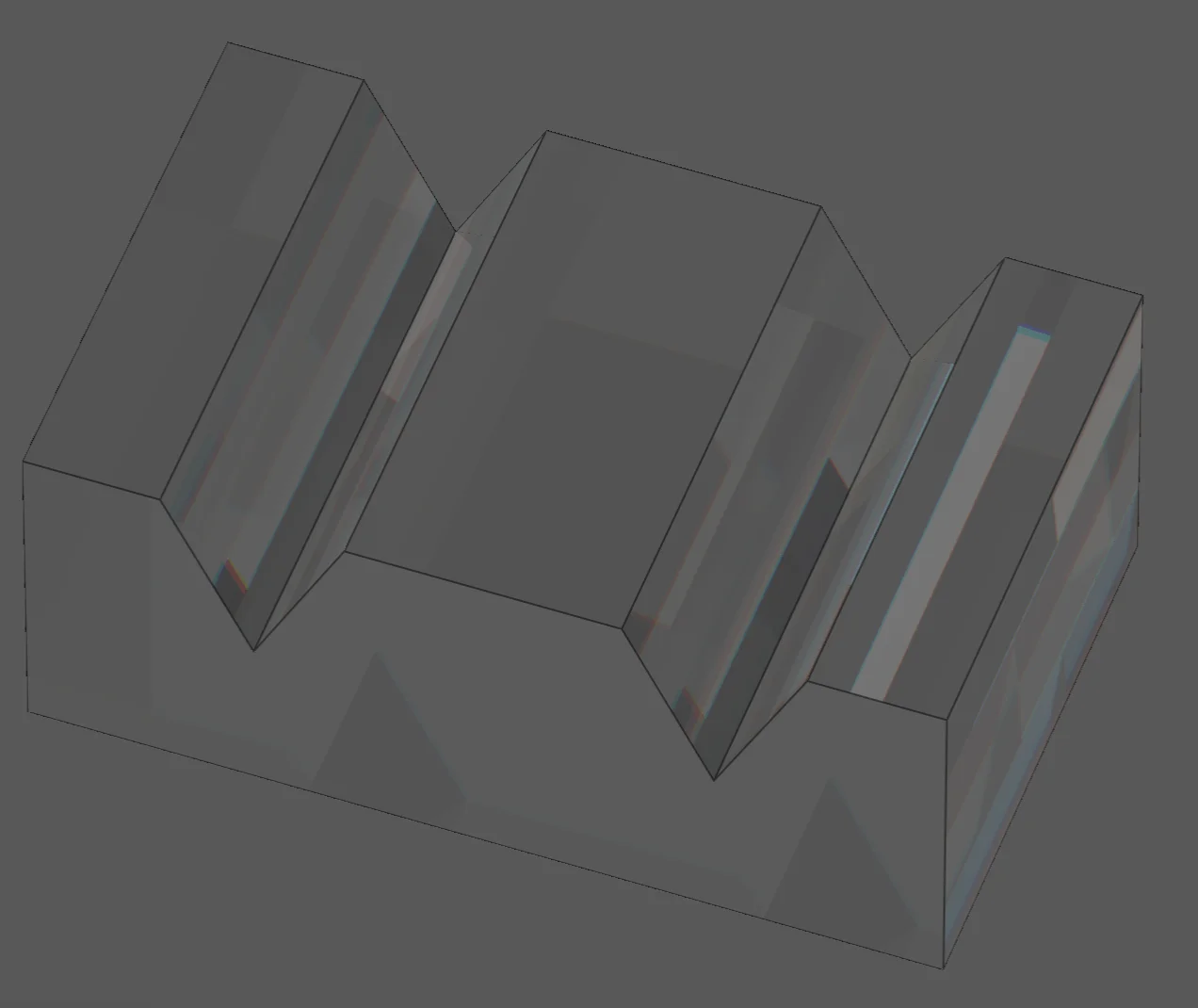
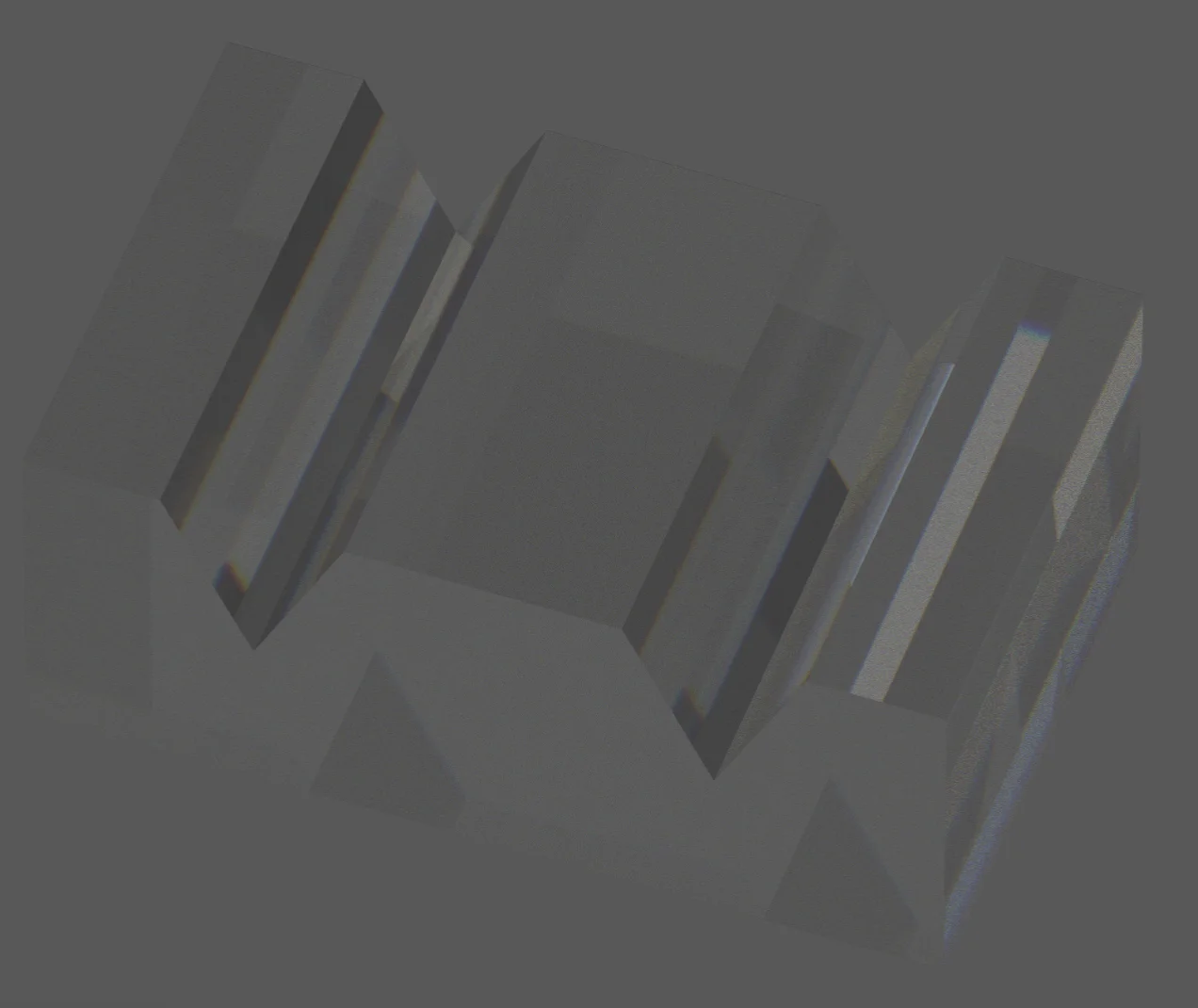
Following light back into the stone takes time: such a stone draws several times more slowly than a faceted stone of the same size. A faceted stone draws exactly as fast as before.
If any facet of such a stone is frosted, the Deterministic renderer does not follow light back into it yet: light leaving the stone is drawn as if the rest of the stone were not there. Use the Monte Carlo renderer to see a frosted stone of this kind faithfully.
The Flat renderer
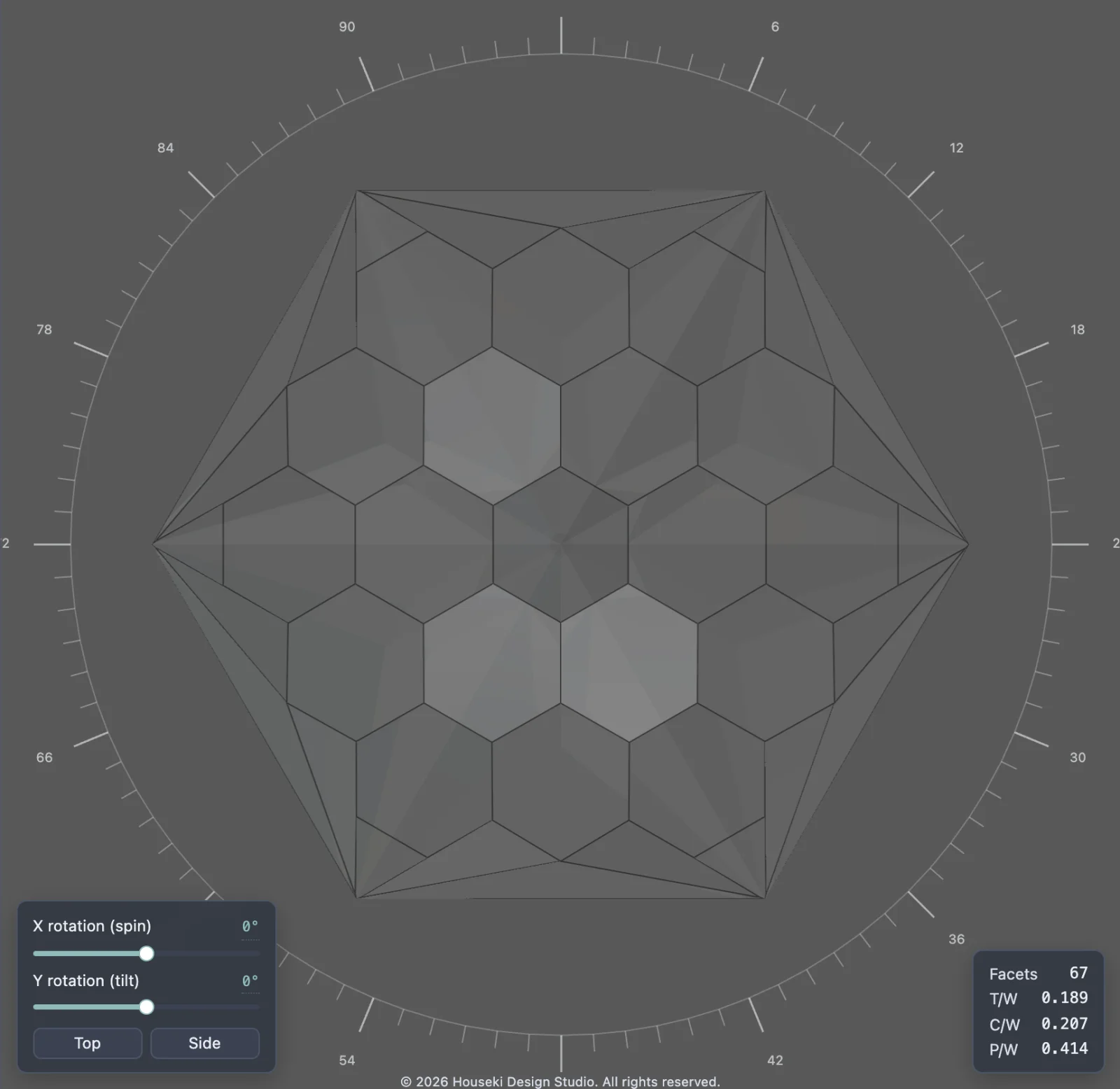
A third choice in the same dropdown, Flat does no rendering at all: it shows the stone as a flat, opaque surface in the stone's own colour, with no light, reflection or fire. It is instant, and with Facet wireframe turned on it draws a clean line diagram of the facets – useful for looking at a cut's geometry without anything else competing for attention.